
See What Business Automation Can Do
Requests pile up, invoices need checking, schedules change, and follow-ups slip. Good news: AI can handle a lot of recurring work — if you choose the right process and keep control. In this course, you'll figure out which parts of your business routine can be successfully delegated and run the full workflow: from setup to repair.
The goal is simple: spend less time on repetitive work and more time on the things that need your attention.
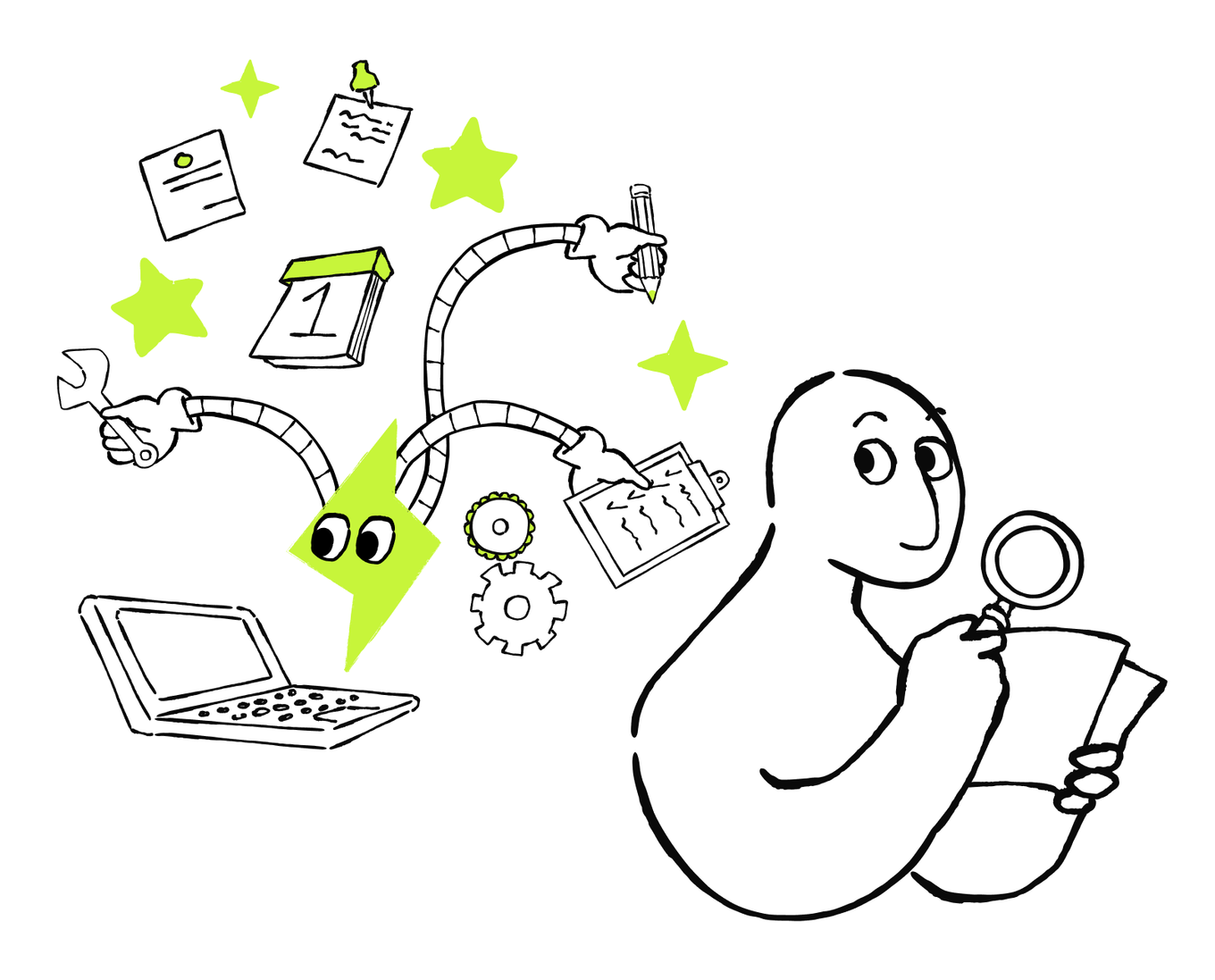
How do you decide which tasks are worth delegating? What is the optimal delegation scope? Which task to test first? What are the boundaries? To answer these questions for your specific case, you’ll build an Automation Opportunity Map. It helps you integrate AI into your business more easily and achieve sustainable and effective process automation.
You’ll build this map step-by-step: add the tasks you want to delegate, their priorities, what AI can do, and how it can act. By the end, you’ll choose one opportunity to start automating. First, which tasks do you think you can automate with AI?
Which business activities do you think AI can help automate when the inputs, permissions, boundaries, and checks are clear?
Look Beyond Individual Tasks
You can automate and delegate tasks in a wider range when the process has approved inputs, clear boundaries, and a checkable result:
| Process | What to automate |
|---|---|
| Customer requests | Classify, answer approved routine questions, and route |
| Invoice processing | Extract fields, match records, and flag exceptions |
| Recurring reporting | Gather updates, reconcile data, and surface exceptions |
| Meeting follow-up | Capture decisions, owners, deadlines, and reminders |
| Document checks | Compare requirements and identify missing evidence |
| Employee or supplier onboarding | Collect documents, schedule steps, and follow up |
| Inventory management | Monitor signals and prepare reorders |
| Appointment, shift, or delivery scheduling | Build and adjust schedules within constraints |
How to Choose the Automation Candidates
Start with two decisions: whether a task is suitable for AI delegation and whether it's a strong first test.

Good automation candidate:
- Repeats often
- Requires available inputs
- Follows stable enough rules or constraints
- Produces a result that a person can check
Bad automation candidate:
- Requires rare or changing work
- Has unclear outcomes
- Has weak evidence
- Requires decisions where mistakes are costly or hard to reverse
Check the candidates that meet the “Good candidate” criteria above and are optimal for the first run.
Choose a Strong First Test
Many of your business processes may be worth automating later but aren't suitable for a first test.
Choose work with visible value, enough evidence to record current results for comparison, manageable or reversible mistakes, a clear owner, and a narrow scope that can be stopped without disrupting the wider process.
Which process would be the best first automation test?
Start Building Your Automation Opportunity Map
An Automation Opportunity Map is a working table for comparing recurring processes before committing to one. You'll build it in six simple steps. You need to focus on the following important :
1. Define the scope. Add several recurring processes.
2. Prioritize the opportunities. Compare them by specific criteria. This helps you choose a strong first opportunity without discarding the others.
3. Complete the boundary. Expand the selected opportunity with its steps.
Step 1. Define the Scope
This is the first column of the map:
| Process and outcome |
|---|
| [What repeats, and what should be improved?] |
Think of repeating processes from across your business. Write them down in the column. Keep each row high-level and don't write a detailed scope at this point.
You’ll add more columns and more information to each row as you learn how to evaluate the candidates, choose the layer and flow, and define the boundary.
Automation Layers and Flows
Now for each process, you need to decide what role AI should have in the process. This helps you avoid delegating too much too soon or using AI so narrowly that the main manual workload remains.
You need to make two separate choices:
- Define the automation layer: how much of the process AI handles.
- Define the automation flow: how the delegated work proceeds.
Together, these choices help you set clear responsibilities, compare possible setups, and identify the safest useful scope to test. You’ll use these choices later in this course to make a deliberate and informed decision of your automation opportunities.

Choose the Automation Layer and Flow
These automation layers define different amounts of responsibility.
- AI handles specific steps. AI handles clearly named parts of the process. It might extract information, classify a request, or prepare a report, then return the work to a person or another system.
- AI handles the whole process within set limits. AI handles the complete approved flow inside a narrow scope. You don't need to approve every routine step, but you still define the rules, monitor the workflow, handle exceptions, and approve important actions.
The next choice is the automation flow that defines who or what chooses the next step.
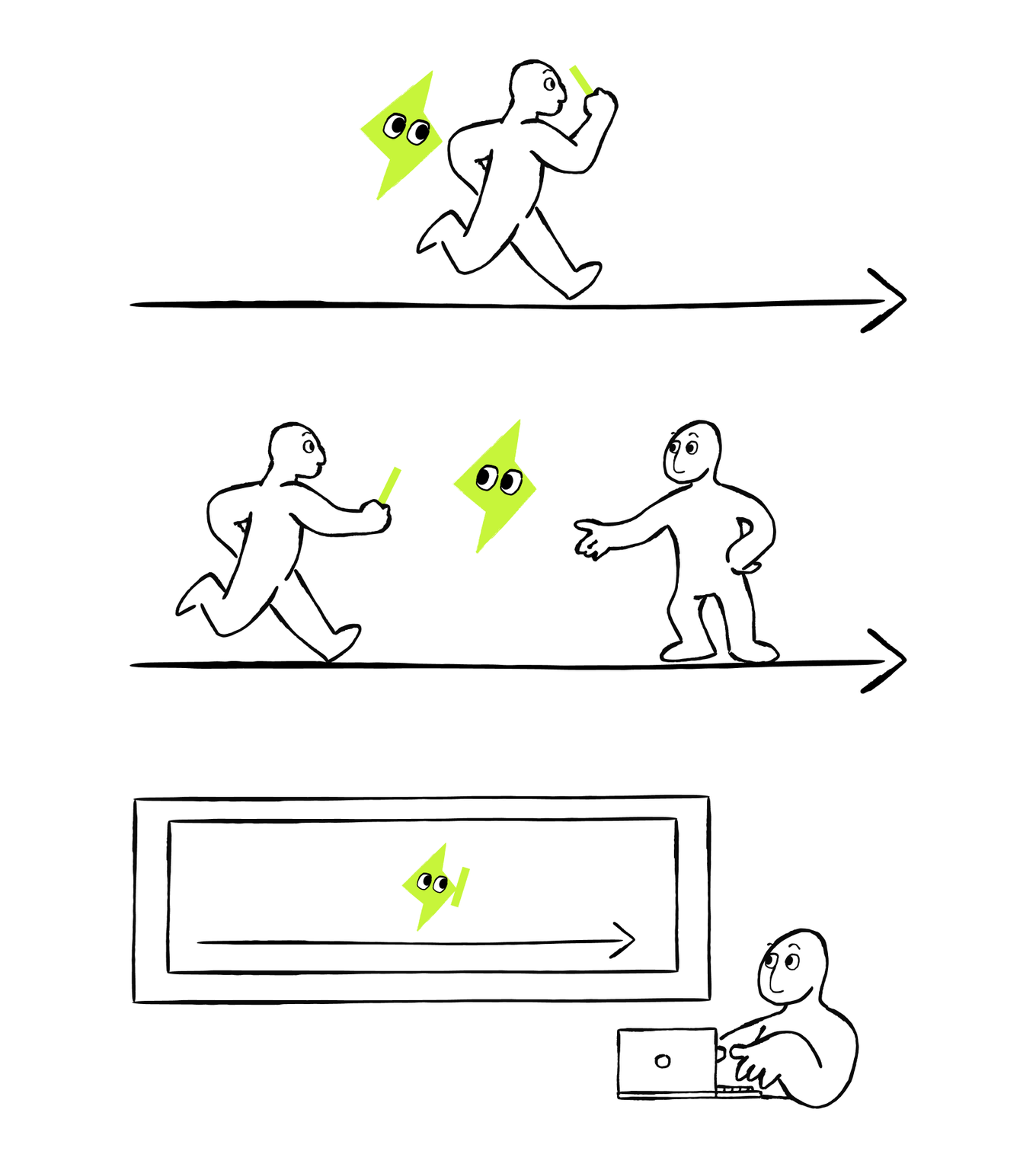
- In a human-led flow, the person leads the process. AI can do a lot of the work, but it waits for the person to review the result or tell it what to do next.
- In a fixed flow, you decide the path in advance. The flow can have different branches, but each situation has a set response. The same situation always leads to the same next step.
- In an agentic flow, you set the goal and the actions AI is allowed to take, but AI can choose the path. It looks at what it finds and decides which action to take next. If it is unsure, lacks permission, or reaches a decision it is not allowed to make, it pauses and asks for help.
The layer and flow are complementary choices, but they control different parts of the automation. The layer sets the boundary of AI's responsibility. It answers “How much work will AI handle?”: which parts of the process it may complete and which stay with a human.
The flow describes how the work moves inside that boundary. It shows whether AI is guided step by step, follows a fixed sequence, or chooses its next step within clear limits.
Choose the layer first, then select a suitable flow for each delegated part.
Now apply both choices to the same process. First decide how much work AI handles. Then decide how those delegated steps should proceed.
Choose an Automation Layer and Flow
Which layer best fits this workflow?

AI automatically reads project updates, extracts statuses, and adds them to a tracker. A manager reviews the tracker and decides what to change.
Together, these choices mean that AI handles part of the process using a fixed flow. The layer limits AI to specific steps, while the flow defines what happens next in each situation. Later, you can change the flow to agentic without changing how much of the process AI handles.
AI completes a weekly report from collecting approved inputs to preparing the final draft. It uses the same approved sources and checks every time, and sends exceptions to a person. Which setup fits best?
Step 2. Add the Layer and Flow to Your Map
Now, as you know more about automation layers and flows, let’s select ones for your automation scope. Return to each process in your Automation Opportunity Map and define the automation layer and flow for each automation opportunity. Add two more columns:
- What AI does
- Automation decisions
For now, use Automation decisions to record the automation layer and flow that you think may fit each process. Keep each row high-level — you don’t need to focus on tiny details at this stage.
| Process and outcome | Automation decisions | What AI does |
|---|---|---|
| [What repeats, and what should be improved?] | [Automation layer, automation flow] | [What could AI do?] |
Delegation Boundaries
Some workflows include important personal, legal, or financial decisions.
To delegate safely, define the clear delegation boundary. Answer the two questions:
- What information AI may access
- What work it may perform
Sensitive data requires approved access — the smallest set of approved information AI needs for its assigned step, and clear exclusions. Consider consequences and judgment. If a result can affect a person, contract, account, or payment, AI can prepare the work, but the workflow should stop for human review before the consequential decision or action. Let’s see which parts of the sensitive processes you can delegate and then define the boundary for each one.

Match the Process to Useful Automation
Connect each process with the repeatable work AI can perform before the accountable decision.
You’ve identified the repeatable preparation AI can handle in each process. But the full boundary becomes clearer when human responsibility is visible. Match each process with the human responsibility that completes its boundary.
Match Each Process With the Human Responsibility
Connect each process with the decision that must remain with a person.
See the Complete Delegation Boundary
Look at the table that combines both sides of the delegation boundary for each process. It shows which repeatable preparation AI can handle and which consequential decision or review must remain with a person.
| Process | Useful automation | Human responsibility |
|---|---|---|
| Hiring or promotion | Organize evidence, summarize interviews, and schedule | Make the employment decision and examine fairness and context |
| Contract or compliance review | Retrieve clauses, compare requirements, and flag gaps | Interpret obligations and approve the decision |
| High-value payment or refund | Match records, flag exceptions, and prepare the action | Approve the transaction and material exceptions |
| Sensitive customer dispute | Assemble history, identify policy options, and draft a response | Choose the remedy and approve sensitive communication |
Step 3. Add Human Responsibility and Boundaries to Your Map
Return to your Automation Opportunity Map. Now add a What human does column.
Review the What AI does column you completed on the previous page. Then complete Automation decisions by recording any access limits, required human-review points, or actions AI must not take.
Keep each boundary high-level. You don't need to expand every process into a detailed workflow yet.
You now have the main information needed to compare the opportunities in your map.
| Process and outcome | Automation decisions | What AI does | What human does |
|---|---|---|---|
| [What repeats, and what should be improved?] | [Automation layer, automation flow, clear boundaries] | [What could AI do?] | [What must a person own?] |
Prioritize and Select One Opportunity
Your map now shows several automation opportunities, the possible role of AI in each one, and the responsibilities that must remain with a person.
Now compare the opportunities and select one for your first test. You’ll use it as the basis for the pilot you build later in the course.
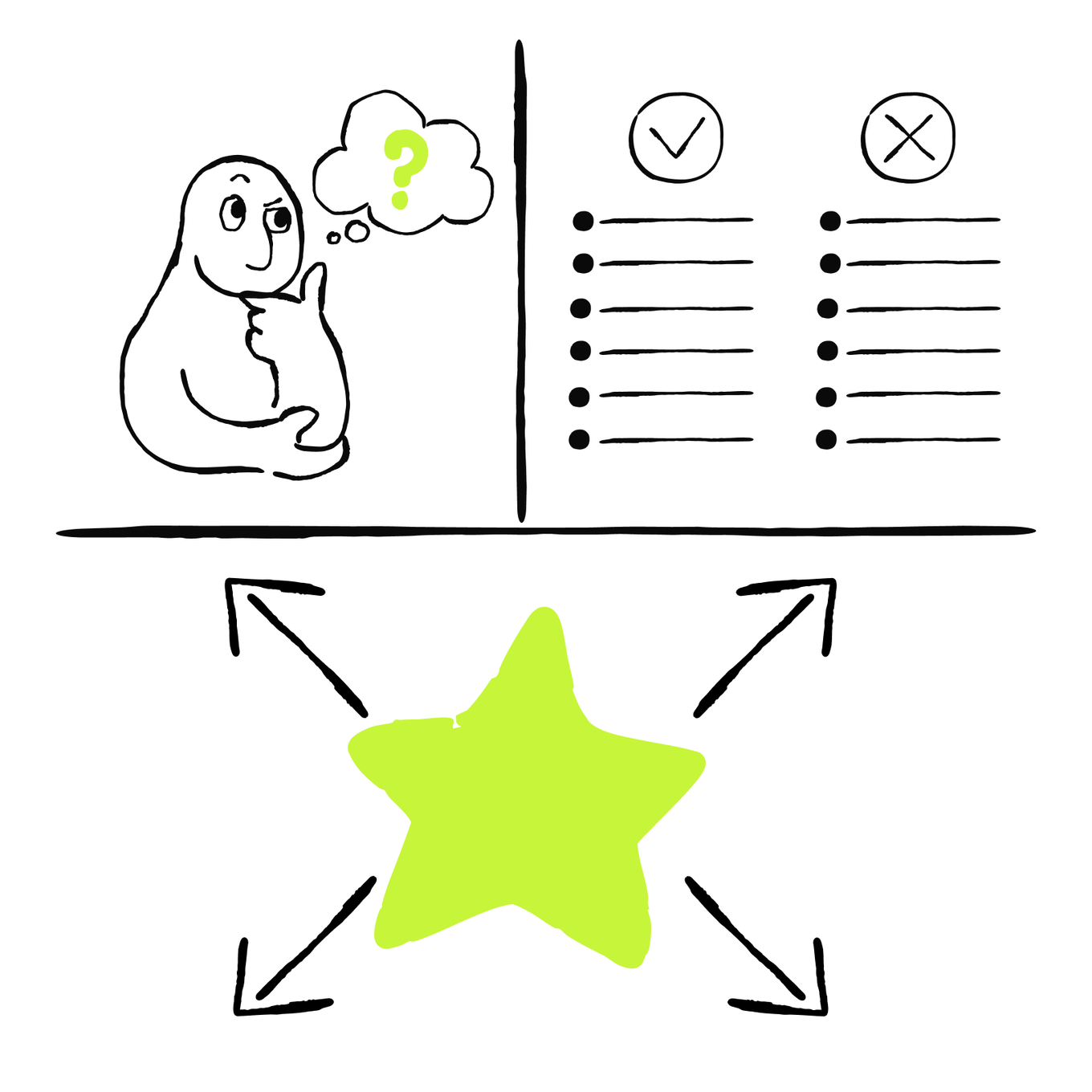
Rate each opportunity across four factors using High, Medium, or Low. Then assign a priority: First, Later, or Hold.
Step 4. Rate Each Opportunity
First, rate each opportunity across five decision factors. Use the table below to assign each rating consistently.
| Rating | Expected value | Feasibility | Evidence readiness | Risk | Testability |
|---|---|---|---|---|---|
| High | Solves a meaningful business problem | Inputs, rules, boundary, and owner are clear | Approved examples and a baseline are available | Mistakes could have serious or hard-to-reverse effects | A narrow, measurable test can be run safely |
| Medium | Provides a useful but limited benefit | A few details still need clarification | Some usable evidence exists | Risks can be controlled with review and stop rules | A test is possible after some preparation |
| Low | Provides little or unclear benefit | Important inputs, rules, or ownership are unclear | Evidence is missing, unreliable, or unavailable | Mistakes have limited and reversible effects | The process is difficult to isolate, measure, or stop |
Use Unknown when you don’t yet have enough information to rate a factor.
For the first four positive factors, a "High" rating is generally stronger. "Risk" works in the opposite direction: Low works better for you, as it makes an opportunity safer to test.
Add these five columns to your map and rate every opportunity.
Step 5. Set the Priority
Then add a separate Priority column. To define the priority, take these factors into account:
- First: The value is High; feasibility, evidence, and testability are at least Medium; risk is Low; and no critical permissions or responsibilities are unclear.
- Later: The opportunity has Medium or High value, but feasibility, evidence readiness, or testability is Low or Unknown. Use this priority when risk is High, but could be reduced with stronger boundaries or controls.
- Hold: Expected value is Low or Unknown, risk is High and cannot be reduced to a manageable level, and testability is Low.
If several opportunities qualify as “First,” choose the one that combines meaningful value with the simplest controlled test.
Now, take a look at your map. At this point, it compares several opportunities without expanding any one of them into a detailed workflow.
| Expected value | Feasibility | Evidence readiness | Risk | Testability | Priority |
|---|---|---|---|---|---|
| [Low / Medium / High / Unknown] | [Low / Medium / High / Unknown] | [Low / Medium / High / Unknown] | [Low / Medium / High / Unknown] | [Low / Medium / High / Unknown] | [First / Later / Hold] |
Step 6. Define the Automation Boundary
You have already recorded a preliminary boundary for every opportunity in your map. Now expand the opportunity marked First into a detailed scope for testing.
Copy the selected row into a separate table or, if you are using a spreadsheet, a Selected Opportunity tab. Then define:
- Process start and end
- AI-handled work
- Human-owned decisions, reviews, and exceptions
- Approved data and permitted actions
- Excluded cases and when AI must pause and ask for help
- Result check and stop condition
- Questions to answer before testing
This detailed boundary will give Lesson 2 a clear process to diagnose and Lesson 3 a controlled scope to test.

After this step, you have a separate Selected Opportunity tab with the expanded delegation boundary and automation scope.
| Process start and end | AI handles | Human handles | Approved data and actions | Exclusions and pauses | Result check and stop | Evidence gaps |
|---|---|---|---|---|---|---|
| [Trigger] to [checkable result] | [Repeatable steps AI may perform] | [Decisions, approvals, and exceptions a person owns] | [Minimum necessary data and permitted actions] | [Cases AI must not handle and when it must pause] | [How a person verifies the result and when the workflow stops] | [What must be confirmed before testing] |
Your Map Is Complete!
You now have an Automation Opportunity Map with several comparable processes and one selected opportunity. It shows why that opportunity is a strong first candidate, what AI may handle, and where human responsibility remains.
This is an important first result: you can focus your time and evidence on one controlled opportunity instead of automating several unprioritized processes at once or choosing the first one without reliable info. You can also understand the opportunities for your business more clearly. The whole scope remains visible, so you can revisit any opportunity as you learn
In the next lesson, you'll map what happens inside a selected process and test where the bottlenecks may be.

How was the lesson?
Your answer goes to our content team
Next · Lesson 2